THE KINDERGARTEN · EXAMS & RESULTS
Exams and results.
A clear path to publication.
Assessment work passes between teachers, reviewers, school leaders and families. School OS brings those responsibilities into a connected workflow, so submitting marks and publishing a result are distinct steps that people can review.
THE WORKFLOW
Follow the result through each responsibility
The public results journey uses a fictional Grade 8-A Mathematics assessment. It shows who prepares the marks, where review is required, and what a linked parent can see before and after publication.
Prepare the assessment marks
Enter whole-number Mathematics marks from 0 to 100 in the sample teacher workspace. Invalid marks are rejected. Submitting creates a version for review; the linked family still cannot see an unpublished result.
Review the submitted version
Switch to Principal to apply the clearly labelled prepared HOD and Coordinator review examples. These simulate the earlier reviewer steps for the walkthrough. A new submission requires fresh review rather than carrying old approvals forward.
Preview and publish
Preview the reviewed assessment and confirm publication as Principal. Then switch to Parent or Student to see the linked published result. A later draft does not replace the previous published version until the new version has completed review and publication.
PEOPLE & RESPONSIBILITIES
A useful view for each role.
- Teacher
- Prepare and submit assessment marks.
- HOD and Coordinator
- Represent the academic review stages; the demo supplies prepared examples for these steps.
- Principal and family
- The Principal previews and publishes; linked family views show the published result.
BUILD AROUND YOUR WORKFLOW
Start with your school’s questions.
- Who reviews marks before the Principal publishes them?
- How should assessment subjects and grading be configured?
- Which result version should families see while corrections are reviewed?
Early Access starts with a school-level conversation. Available features, access and configuration are agreed during onboarding. If your school already uses a KERYX LAB product, request an addition through KERYX Mods.
BEFORE YOU EXPLORE
A few practical questions.
Does the exam screenshot show real student records?
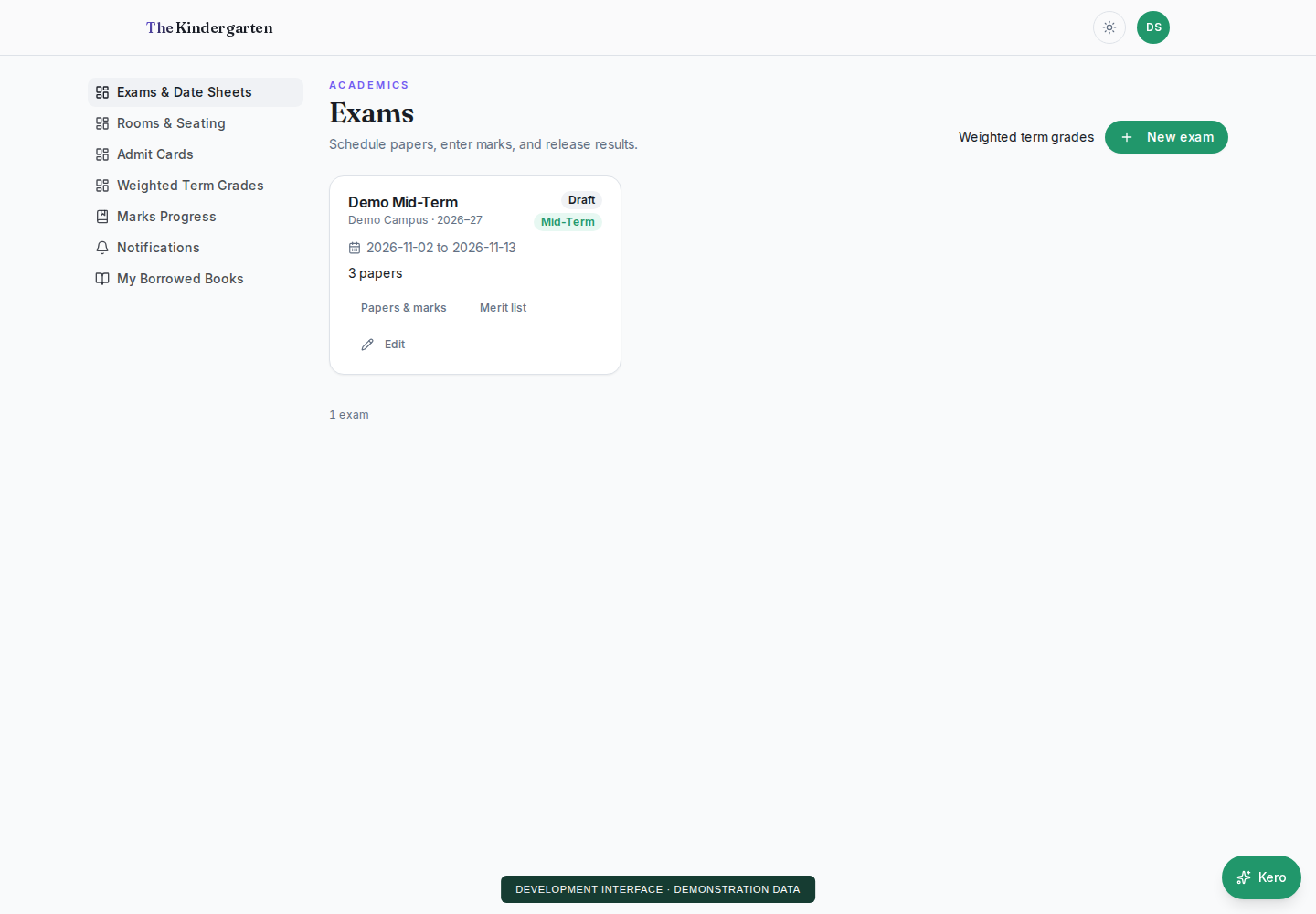
No. It is a development screenshot with fictional data. The interactive results demo also uses invented records.
Can a parent see marks immediately after a teacher submits them?
In the public walkthrough, no. Parent and Student views show linked, published results. Draft and submitted marks stay out of those views.
Does the demo cover every exam arrangement?
The sample journey focuses on mark submission, prepared reviewer checks and result publication. Exam scheduling, assessment structure and school-specific grading should be discussed during onboarding.
FOUNDING SCHOOLS · EARLY ACCESS
Your school.
A useful next conversation.
Tell us about your school and the work you want to make easier.