A school platform, in your browser.
School OS connects management, learning and communication on your existing computers and phones. It does not replace Windows or Android.
THE KINDERGARTEN · School OS DEMO
Explore school workspaces through rosters, marks, invoices and reports. Choose a role, work through the screens and review each sample change.
Choose a school workspace.Start with a class, invoice or assessment.
Work through the screens.Edit fields, review and confirm.
Families stay connected.The linked child’s information, in view.
School OS connects management, learning and communication on your existing computers and phones. It does not replace Windows or Android.
This demo focuses on school screens and manual controls. Try the DewDrop demo ↗ for conversation, clarification and compact task reviews. Each demo starts with its own fictional state.
A teacher prepares attendance and marks. A Principal reviews publication. An Accountant prepares a reminder. Families see the linked child’s information.
TRY IT FOR YOURSELF
All people, marks and balances below are sample data. Changes stay in this tab and clear on reload. No real records, payments or messages are involved. These are simplified workflow illustrations; available early-access features are confirmed during onboarding.
THE KINDERGARTEN · YOUR NEXT STEP
You have explored how school work connects across roles. Tell us about your school through the single Early Access form; no student records are needed.
Request early access ↗FROM THE DEVELOPMENT INTERFACE
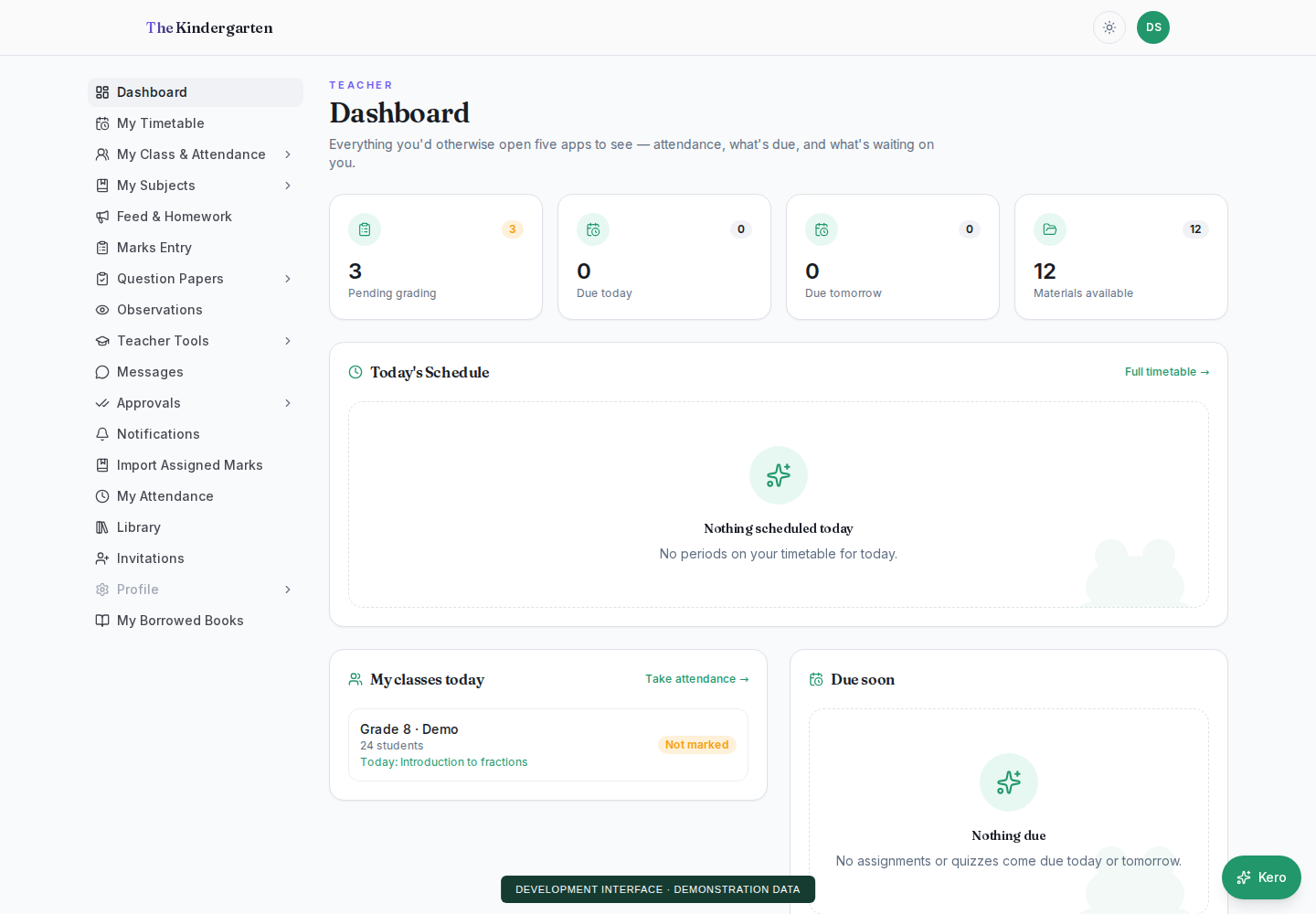
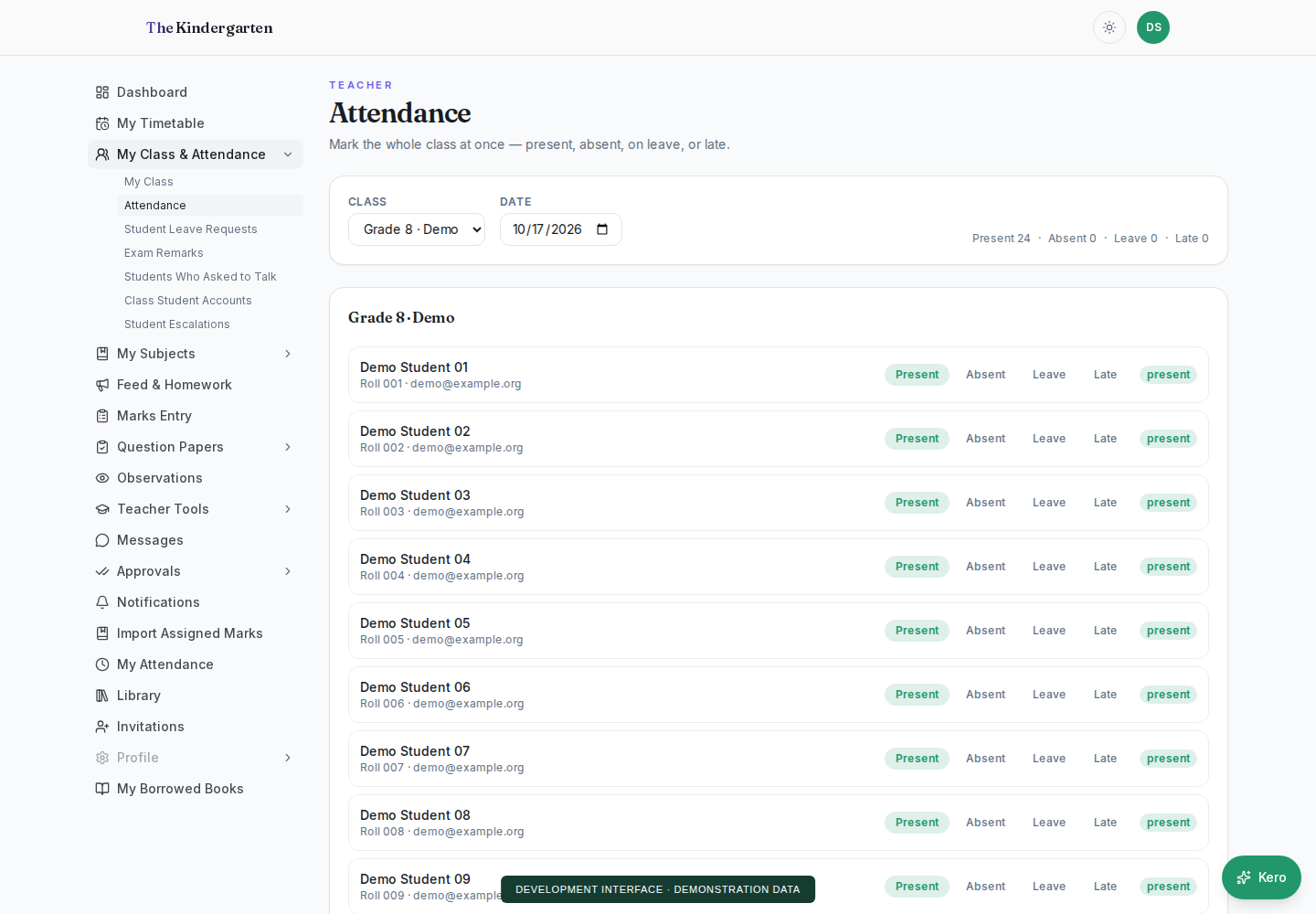
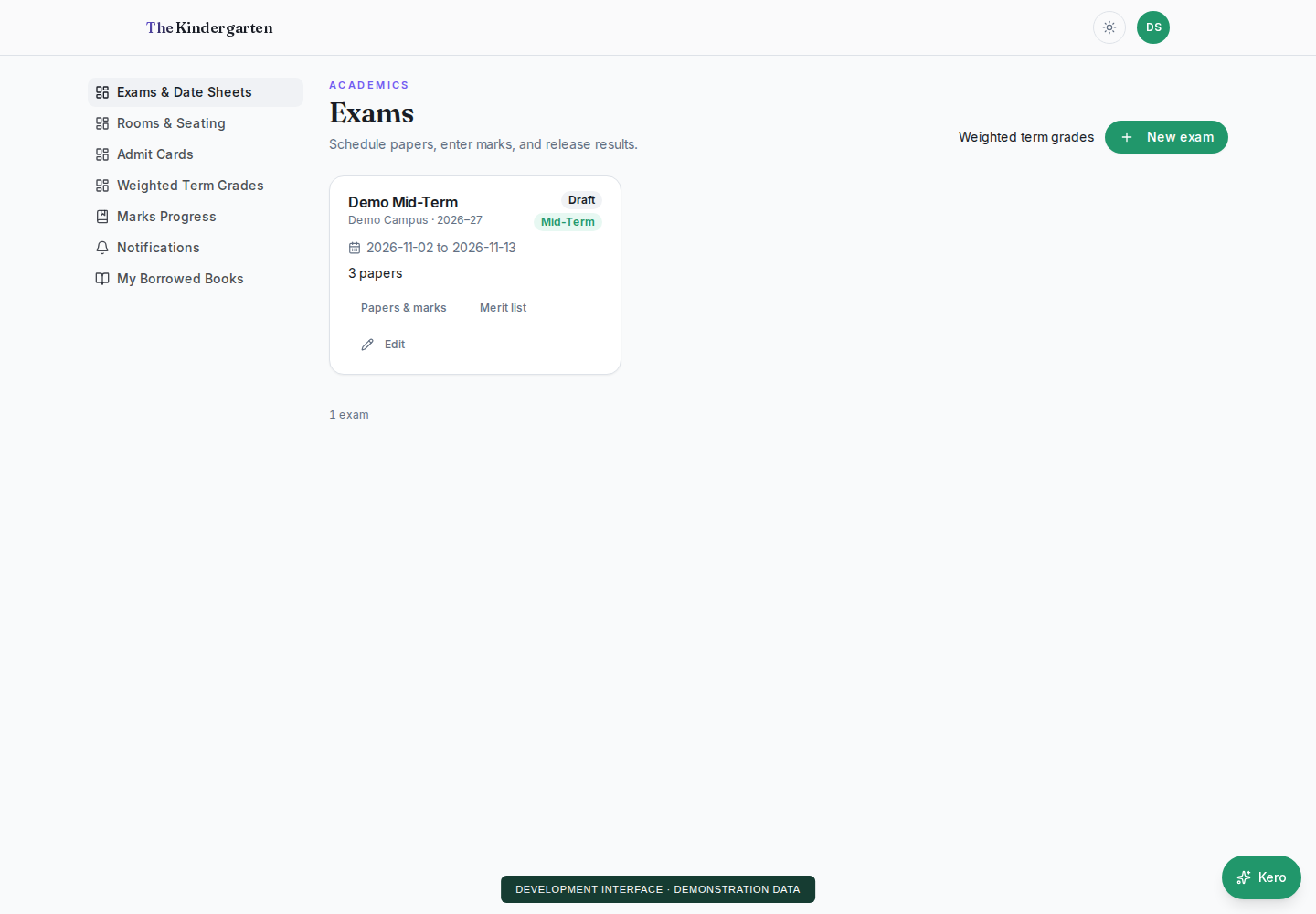
The tour above is a simplified illustration. These screenshots show the development interface with demonstration data.