Understand the starting point
Discuss roles, workflows and school-level requirements. Real student records are not needed for the initial Early Access request.
A CONSIDERED START
Implementation needs context: school size, campus scope, existing processes and the people involved. The details are agreed with each school.
Discuss roles, workflows and school-level requirements. Real student records are not needed for the initial Early Access request.
Review supported workflows, responsibilities and readiness before planning a rollout. Early Access does not set a launch date or purchase a plan.
A rollout can include setup, data readiness and staff orientation within an agreed scope. Training and support arrangements are confirmed separately.
Once your school uses a KERYX LAB product, requests for additional features follow the KERYX Mods assessment process, with a defined scope before development.
EARLY ACCESS · A DEFINED START
Start with a small, agreed pilot. A product demonstration shows the workflow; your school’s own review establishes whether the agreed setup is ready for daily use.
TRY TODAY · FICTIONAL RECORDS
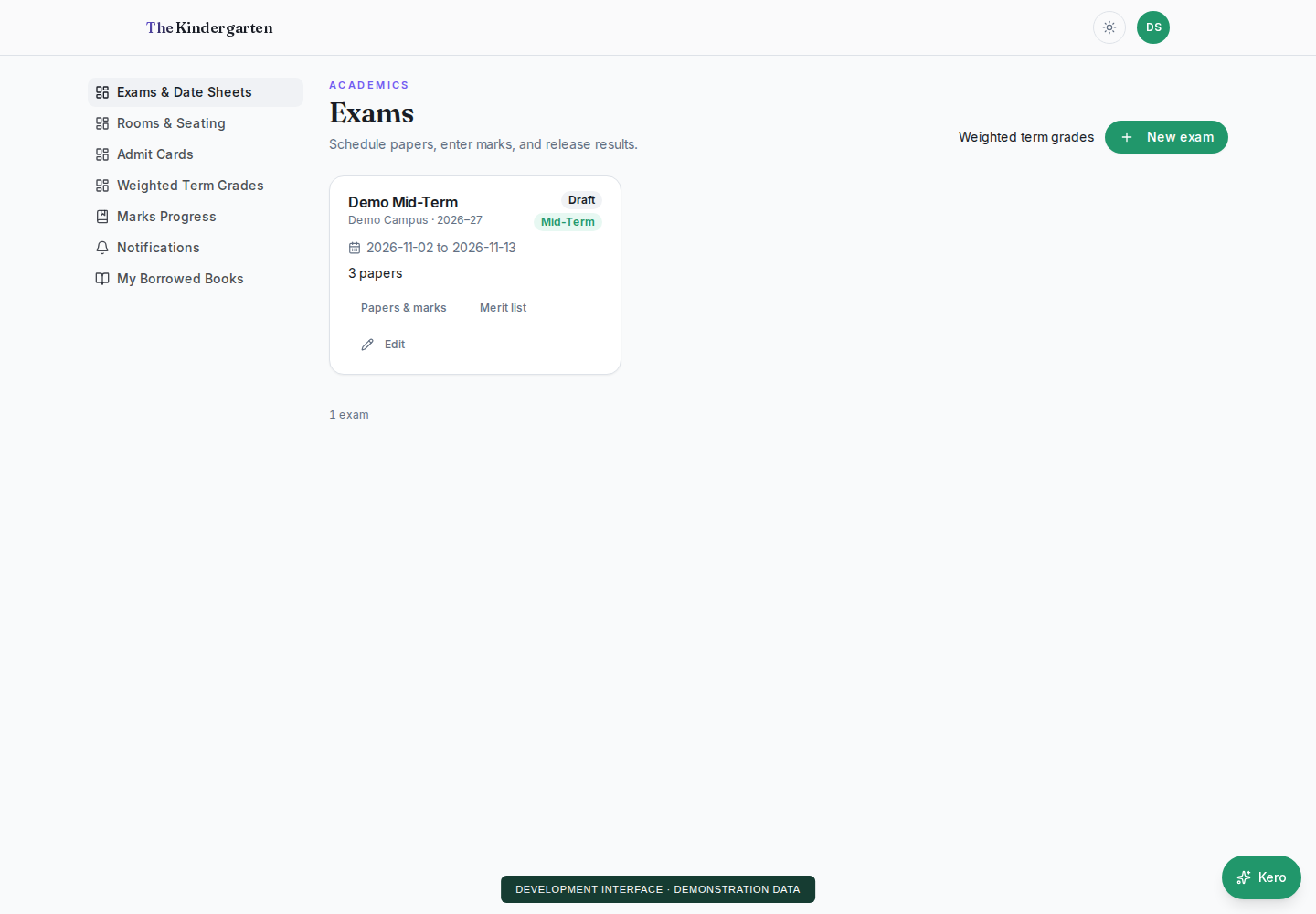
The School OS demo uses manual screens for attendance, results, fees and reports. The separate DewDrop demo uses conversation, clarification and task review. Its public playground uses local rules, not a live AI model, and cannot change a school’s records.
Try the School OS demo ↗PILOT · SCOPE AGREED FIRST
Agree a small cohort and the roles that will take admission and family access through attendance, fee records, reviewed marks and published results. Confirm the included workflows, source records, training and acceptance steps before any rollout.
ASSISTANCE · REVIEW BEFORE CHANGE
For supported tasks, DewDrop helps resolve the request and its context. Missing or ambiguous student names, classes and dates need clarification. Authorized changes require review and confirmation; a demonstration is not evidence of universal language or speech accuracy.
SEPARATE ACTIVATION
Payment-provider approval, notification channels, delivery charges and validation of imported school records need separate checks. Voice input also needs evaluation on the school’s devices and languages. These are not activated by submitting an Early Access request.
KNOW THE FULL RUNNING COST
Public plan prices are not set. Before a purchase, agree the full quotation and service terms, including what is included and what is charged separately.
Student-count basis, campuses, staff accounts, included modules and billing period. Specify additional-campus and additional-account charges, if applicable.
Included storage, file limits, retention and overage rates. Define each message-credit unit, channel, allowance, expiry and provider charge. Payment processing and any AI or voice usage should be listed separately.
Separate migration, validation, training and setup work from recurring platform, hosting and support charges. State currency, taxes, payment stages, renewal and cancellation terms.
Agree the support channel, working days, hours, timezone, response target and escalation contact. Record who handles backups, restore checks, maintenance, export and handover. No 24/7 support or response deadline is implied.
Tell us about your school and the workflow you want to improve.
Request early access ↗